
Invite-Led RSVP
Know who's coming. Know what they need.
TicketRoot's invite-led event registration connects guest invitations, WhatsApp and web RSVPs, approval rules and QR passes. Collect the details your team needs and carry confirmed records into event check-in — built for corporate events, leadership forums and invite-only conferences.
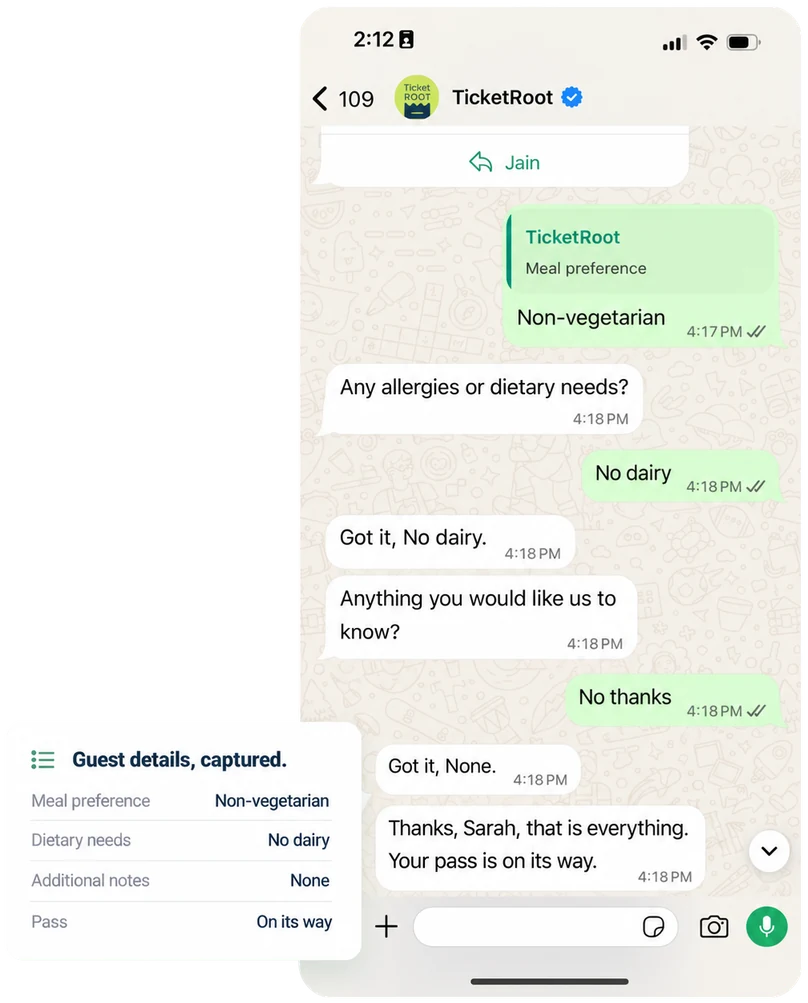
Invitations, replies and approvals. One guest record.
Send the invitation, collect a reply and confirm the place while keeping guest details in the same system. See who is invited, awaiting review or confirmed before the event team prepares the door.
Import your guest list
Upload invitees in bulk or connect records through an API. Manage guests, speakers, sponsors and VIPs in the same event database.
Capture replies and preferences
Collect attendance decisions and relevant details, such as company, role, guest count or meal preferences.
Control when a pass is issued
Confirm eligible guests directly, or review selected registrations before sending the confirmation and QR pass.
Connect the record to arrival
Use confirmed records for check-in and badging. Compare expected guests with recorded arrivals after the event.
Guest list
Leadership Forum · Example event
| Guest | RSVP | Entry status |
|---|---|---|
Aditi Mehta Delegate | Attending | Confirmed |
Rahul Shah Invited guest | Attending | Pending review |
Neha Rao Speaker | No reply yet | Invited |
Arjun Patel Delegate | Not attending | Declined |
One guest list. Different paths for different people.
Give delegates, speakers, sponsors and VIPs the questions, approval steps and entry information relevant to their role. Set capacity limits and choose which registrations need review before confirmation.
Built around how your event works.
Set your guest categories and response rules before the invitations go out.
Branded Invitations
Give guests an invitation and response page that look and feel like your event.
Two Way Communication
Capture replies through a two-way WhatsApp conversation or a branded registration link.
Guest Categories & Questions
Give each attendee type the relevant fields, registration path and capacity limits.
Approval-Based Confirmation
Confirm guests directly or review selected requests before releasing their pass.
Targeted Reminders
Ask pending guests for a reply. Send confirmed guests their pass and arrival details.
Connected Check-In
Use confirmed guest records for QR entry, badging and actual attendance reporting.
From the Blog
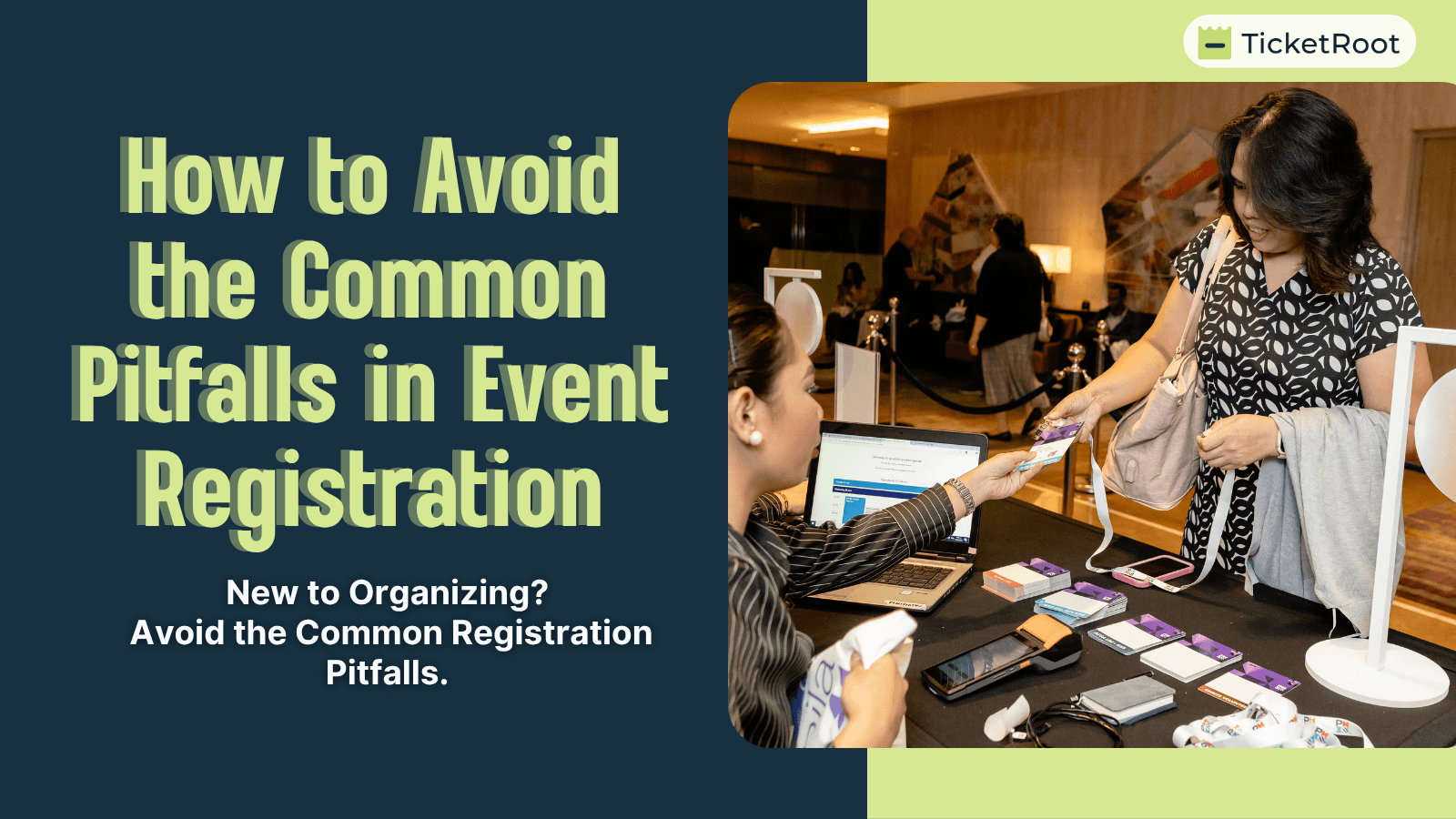
How to Avoid the Common Pitfalls in Event Registration
Everything is set: venue, speakers, sponsors, and schedule. Then registration opens—and suddenly, you’re juggling missing details, last-minute changes, and check-in mismatches.What was supposed to be …
Read more →
How to build a 1000+ Attendee Event? | Registration, Badge Printing and Live Session Scanning
Large format events in India and the UAE, including conferences, developer meetups, corporate launches, and festivals, often see 800 to 1200 attendees...…
Read more →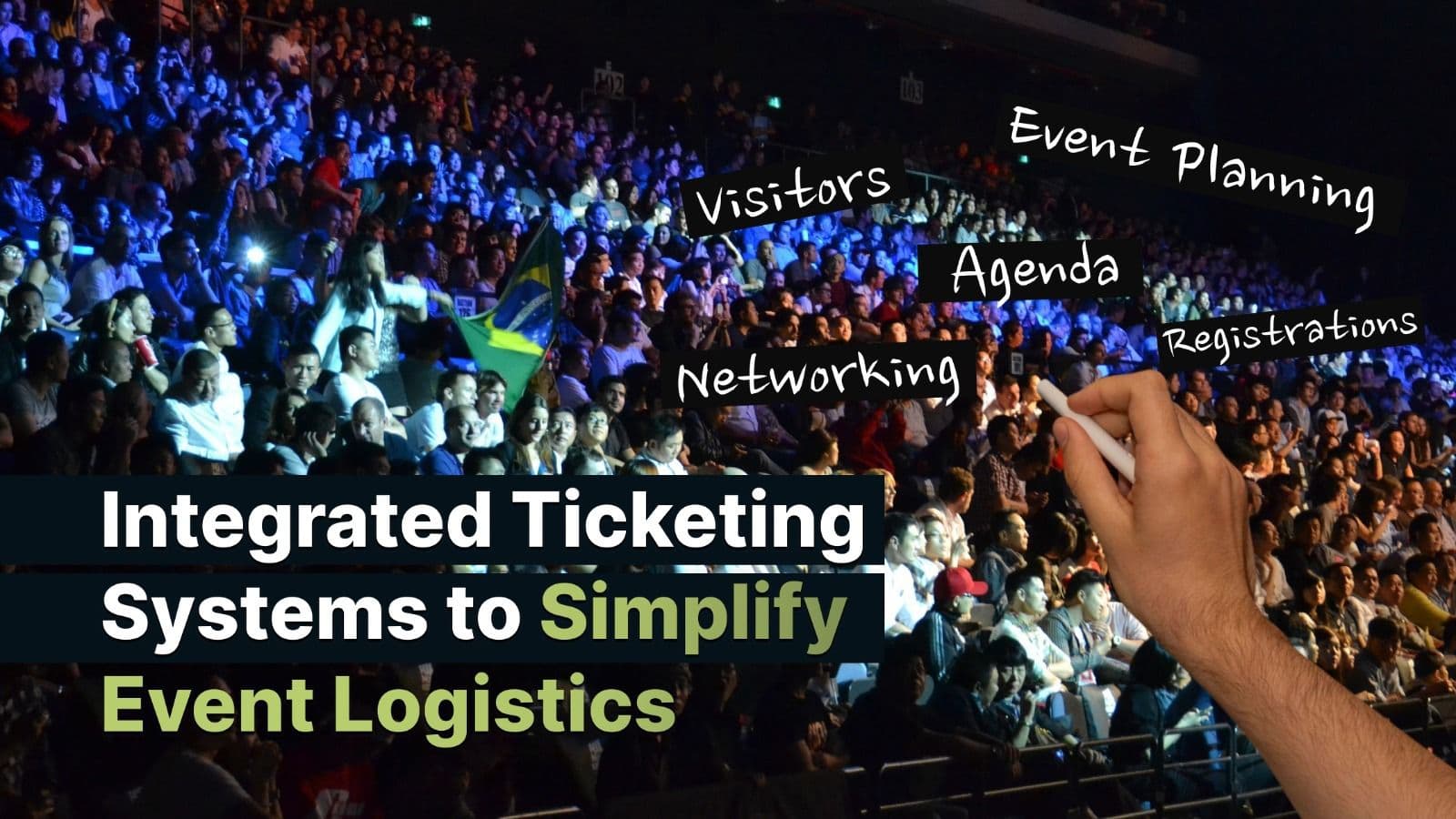
Integrated Ticketing Systems to Simplify Event Logistics
Coordinated ticketing systems have brought about innovations in organizing and managing events, including pre-and post-ticketing event solutions. With the global market for online event ticketing proj…
Read more →
Customer Reviews
“TicketRoot made our check-in process seamless. Zero queues, zero stress.”
Priya Sharma
Event Director
“The exhibitor portal saved us hours of back-and-forth emails. Highly recommended.”
Rahul Mehta
Conference Organizer
“Real-time dashboards gave us full visibility. We could act fast when queues built up.”
Anita Desai
Festival Manager
Event Printables

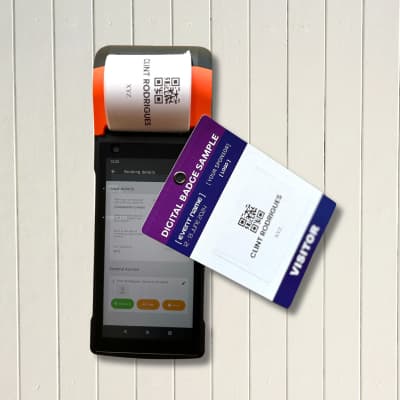
Lanyards, badges, and QR wristbands — branded for your event, delivered globally, and fully integrated with access control. From eco and cork to fabric and Tyvek, every piece is scannable, customizable, and ready to move crowds



Frequently Asked Questions
What is invite-led event registration?
Invite-led event registration starts with a defined guest audience. TicketRoot brings invitation lists, RSVP responses, guest details and confirmation rules into one event flow, with organiser approval where required and confirmed records connected to event-day entry.
What is the difference between an RSVP and a confirmed registration?
An RSVP records whether a guest intends to attend. A confirmed registration means the event's required acceptance steps are complete. When organiser approval is required, an RSVP yes stays pending until the registration is approved.
Can guests RSVP directly on WhatsApp?
Yes. TicketRoot's AI-native WhatsApp chat can collect attendance replies and the guest details the organiser chooses to ask for, such as meal preferences or guest count. A branded registration page provides a web-based RSVP option.
Can I upload an existing invitation list?
Yes. Bulk upload an existing guest list or import attendee records through an API. The organiser can then manage responses, approval statuses and confirmations within the same registration system.
Can speakers, delegates and VIPs follow different registration paths?
Yes. TicketRoot supports category-specific registration paths and custom fields. Speakers, delegates, sponsors and VIPs can provide different information and follow the confirmation or approval steps configured for their category.
How do approval-based registrations work?
The guest submits a response and the organiser reviews the registration. If approved, the guest receives the relevant confirmation and QR pass. TicketRoot can also support direct confirmation for events or categories that do not require review.
Can I send reminders based on RSVP or registration status?
Yes. Guest communications can be segmented by attendee category or registration status. A guest awaiting a reply can receive an RSVP reminder, while a confirmed guest receives the relevant pass, event updates and arrival details.
How do RSVPs connect with check-in and reporting?
Confirmed registration records connect with TicketRoot's event check-in and badging tools. Arrivals are recorded separately from RSVP responses and confirmations, so reporting can compare expected guests with actual attendance, including category-level views where supported by the event setup.
Talk to TicketRoot
Run your event with faster check-ins, smoother badge printing, and zero last-minute chaos with our team guiding you end-to-end.
What Happens Next:
- We understand your event
- Walkthrough of what can help
- Supported setup & launch
Member of MESA